
Create a project
Submit your product so OpenNomos can start finding people already asking for it.
You apply once. After review, the project appears in Studio and discovery can start.
Go to Apply, or open Studio → New project.
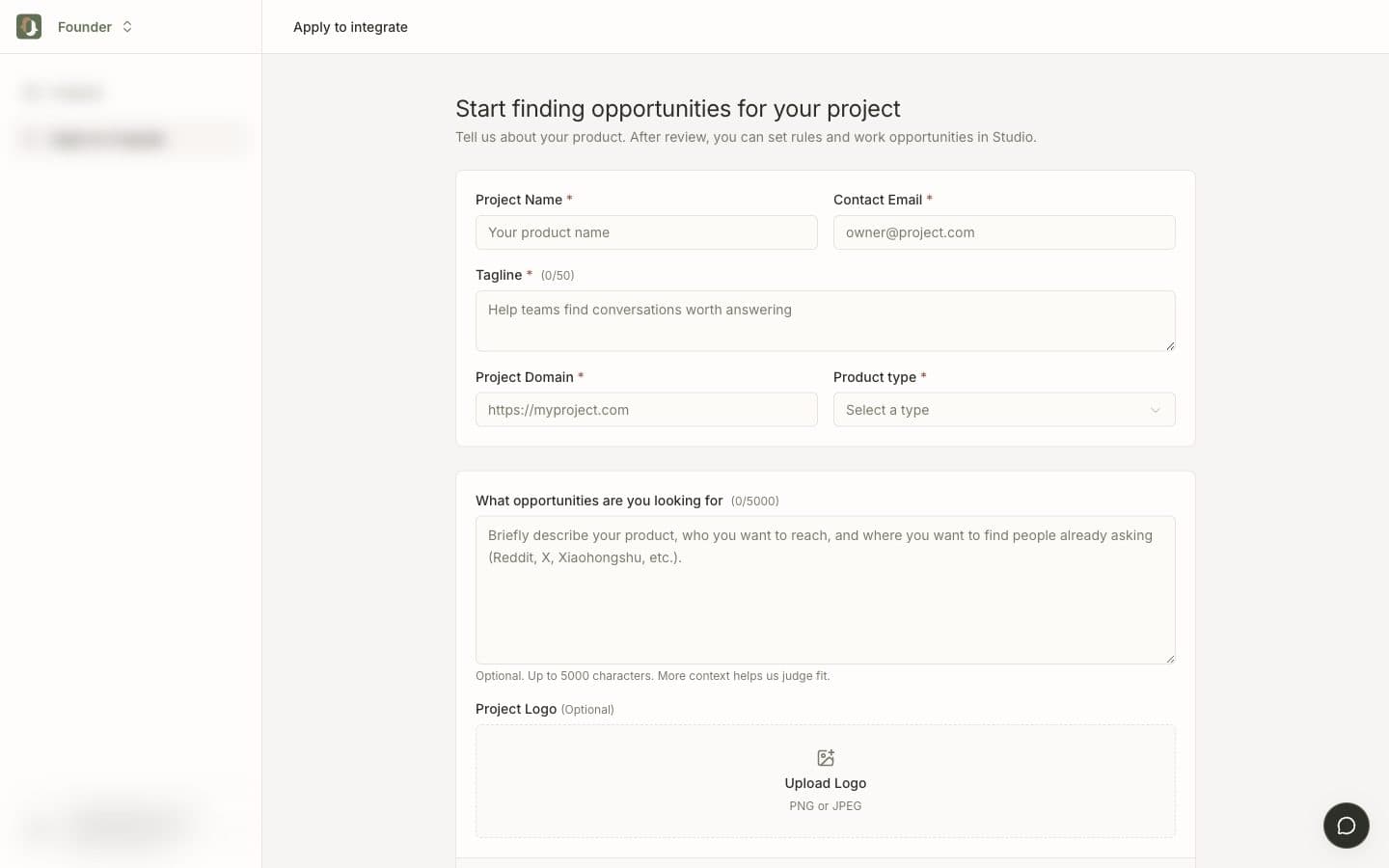
What to fill in
| Field | Why it matters |
|---|---|
| Project name | Shown on the project card and in Studio. |
| Contact email | Used for the invite and review follow-up. |
| Tagline | One sentence, max 50 characters. |
| Project domain | Website, demo, GitHub, or landing page. |
| Category | Helps reviewers and later matching. |
| What opportunities you want | The discovery brief. Who you want, where they already talk. |
| Logo | Optional PNG or JPEG. |
The brief does not need to be a strategy doc. It needs to answer:
What do you build, who is already asking for it, and where should we look (Reddit, X, Xiaohongshu, …)?
Example:
We make a lightweight PM tool for freelance teams. We want people asking for something simpler than Asana or Monday. Look on Reddit, X, and Xiaohongshu. Skip generic “best tools 2026” listicles.
After you submit
The project enters review. Most complete submissions are processed quickly. If something is unclear, the team may email the contact address.
Check progress in Studio. Pending applications sit under Application records. Approved projects show Enter workspace.
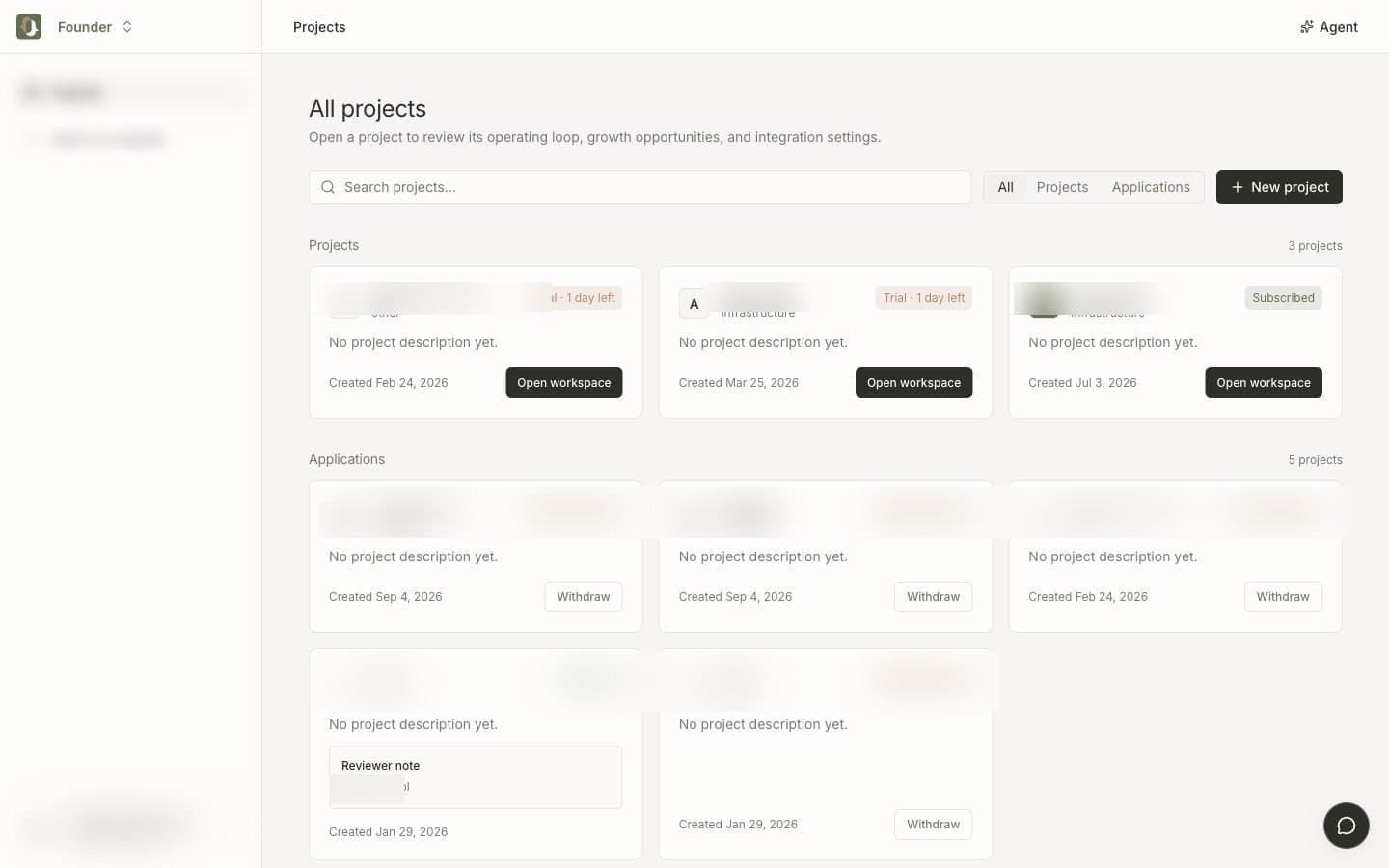
Each approved project starts its own 7-day trial. No credit card. See Plans.
Next: Your first day.