
Your first day
Open the workspace, pick a few opportunities, reply yourself, then mark what happened.
After the project is approved, Studio is the daily desk.
Open Studio → Enter workspace on that project.
1. Open Opportunities
This is the list worth judging today. Not another feed.
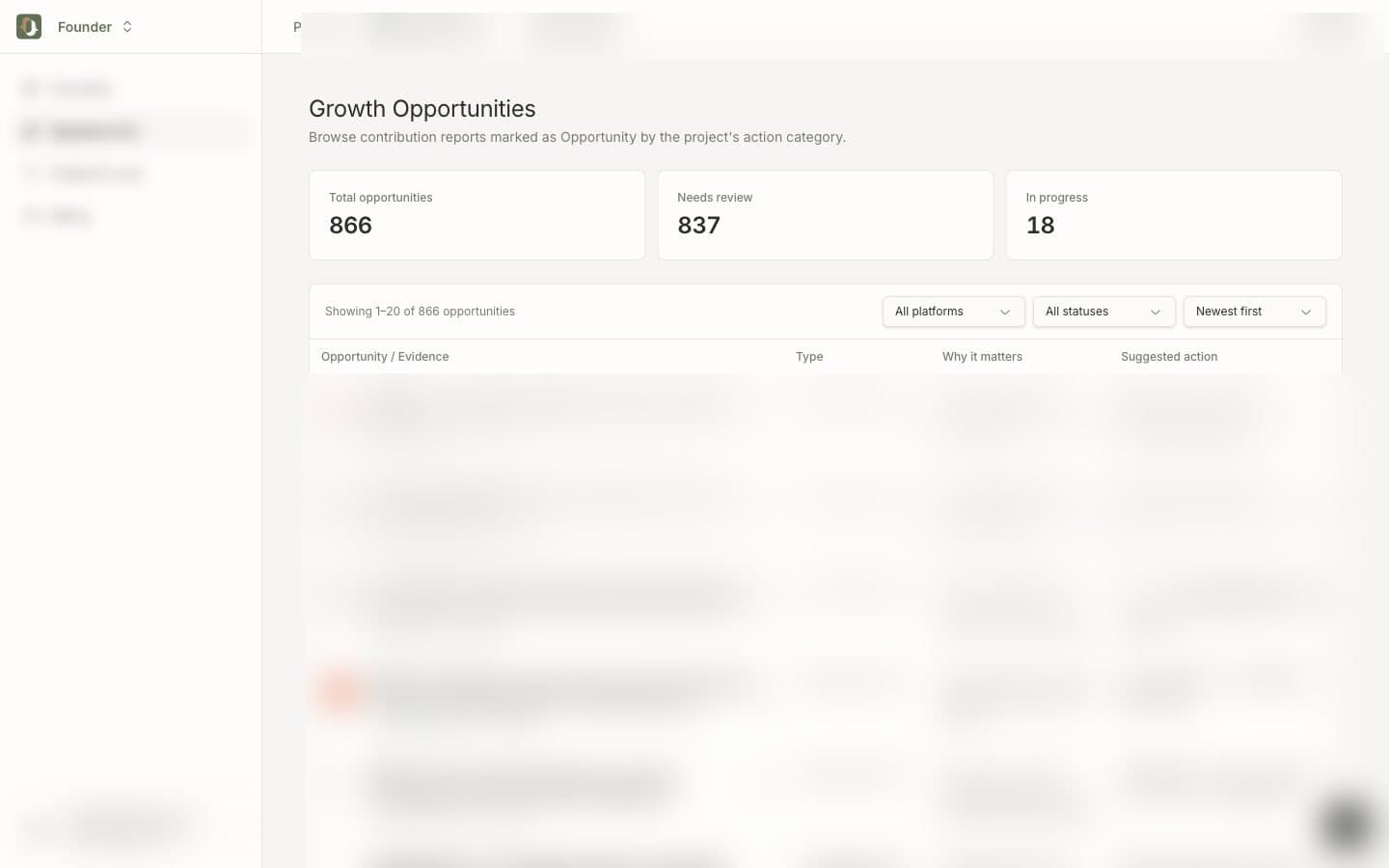
Filter by platform or status if the list is long. Start with Pending.
2. Open one item
Click Expand (or the row) to see:
- why it matched
- the suggested next step
- a link to the original post
Copy what is useful. Then open the original thread.
3. You send the reply
Write the reply in the actual community. Do not paste a template into twenty threads. Do not let an agent post for you.
When you are done, set status to Contacted, Adopted, Ignored, or Done, so tomorrow is not the same pile.
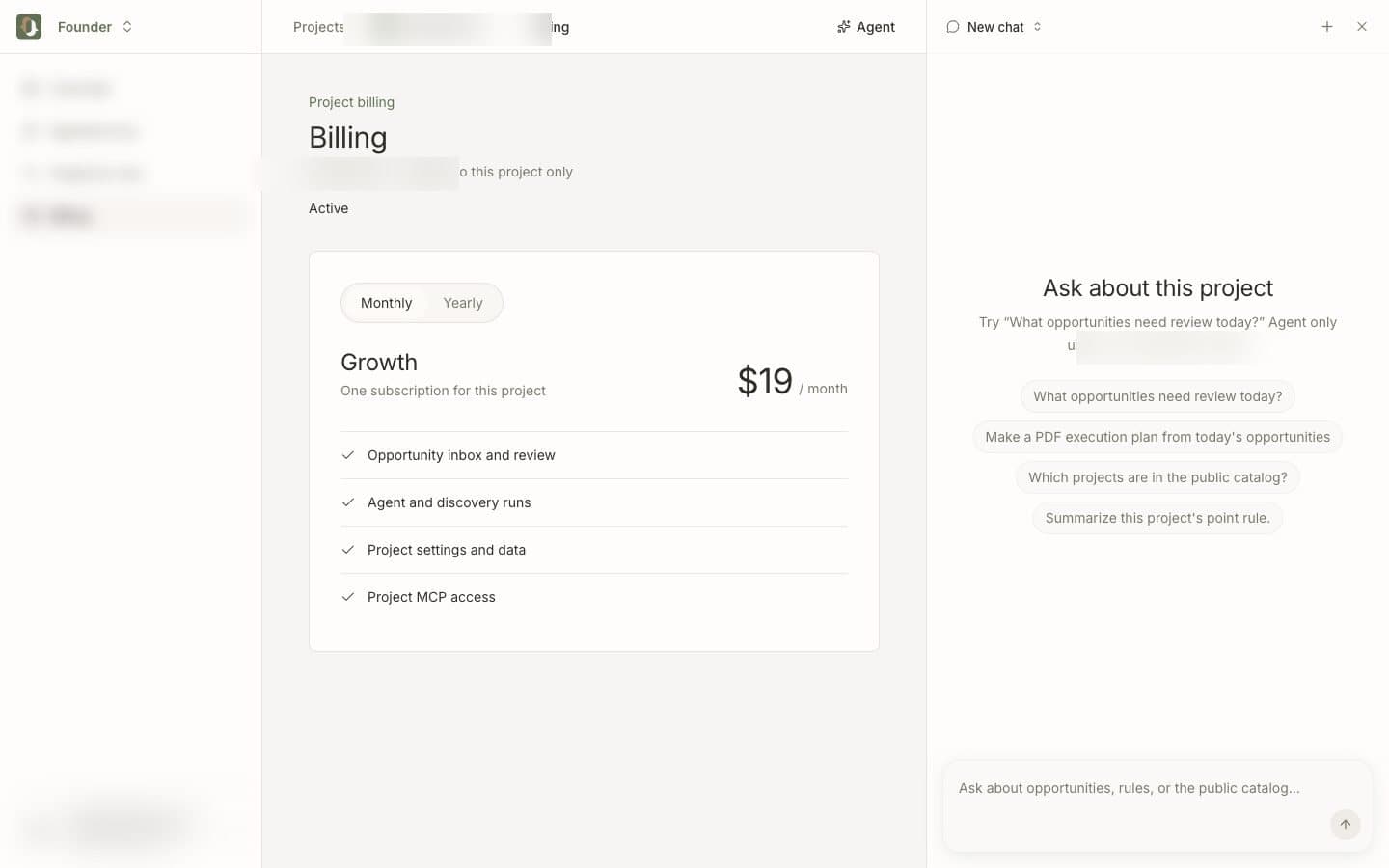
4. Ask Agent if you want a pass over the list
The Agent button on the right can list pending items or turn today’s opportunities into a plan PDF. It uses this project’s data only.
A good first day
- Two or three real replies, not twenty skims
- One rule tweak in Project & rules if the matches were off
- Status updated on what you actually touched
Overview still shows project metrics. The work is in Opportunities.