
MCP & agents
Get an MCP key
Create an nk_ key, copy it once, and store it in your agent or environment.
MCP lets Claude, Codex, or a script read and update this project’s opportunities without clicking through Studio.
Open MCP Access after you log in:
OpenNomos → profile menu → MCP Access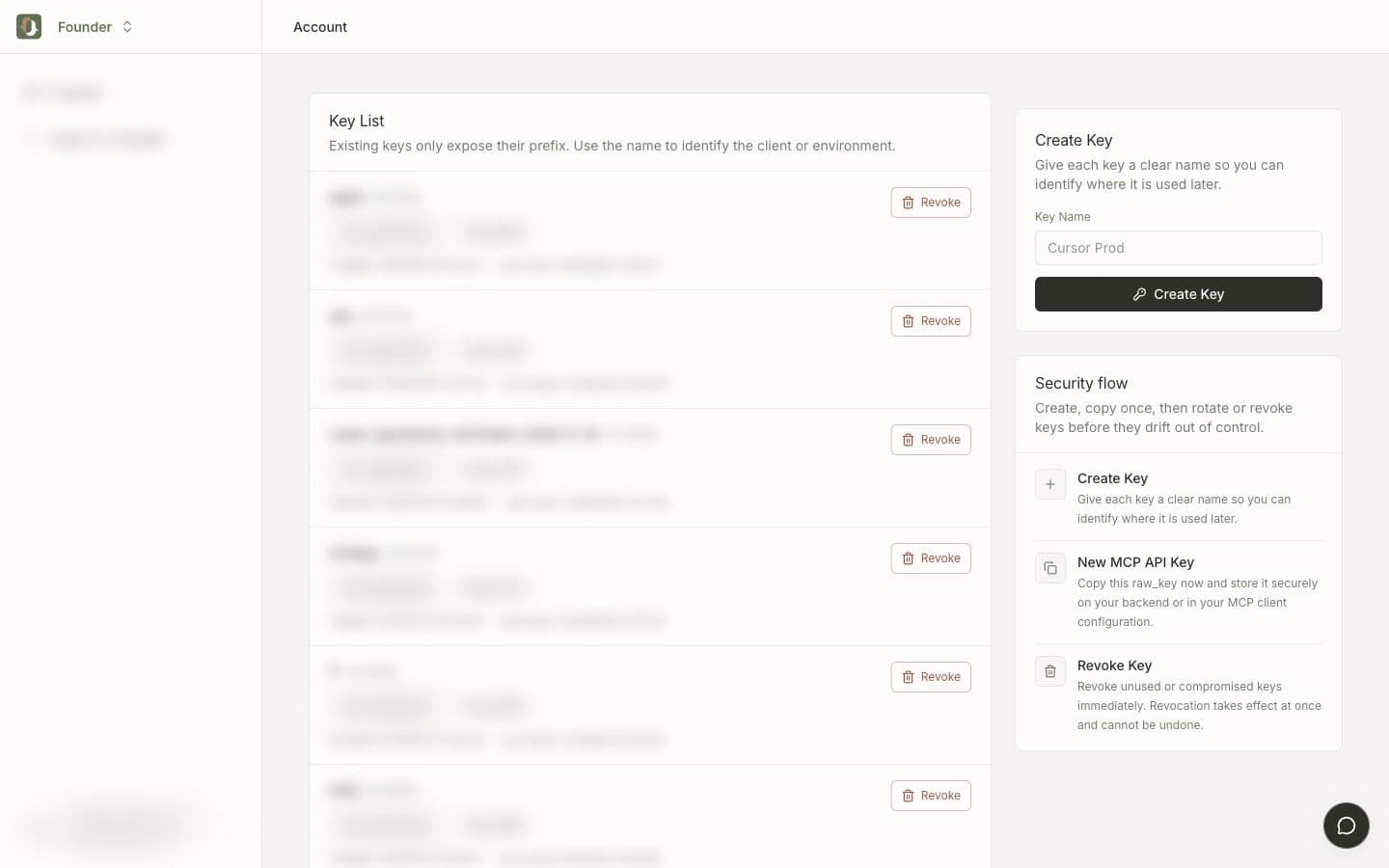
Create
- Give the key a name you will recognize later (
Cursor,Codex,prod). - Click Create key.
- Copy the
raw_keyimmediately. It is shown once. - Store it in the agent config or an environment variable. Do not commit it, paste it in a public chat, or put it in a ticket.
Keys start with nk_. Existing keys only show a prefix. If you lose the raw value, create a new key and revoke the old one.
Use it
All calls go to https://api.opennomos.com with:
Authorization: Bearer <your_nk_key>Next: Manage opportunities via MCP or Connect Claude / Codex.