
Daily work
Opportunity inbox
Review the short list of people already asking, with a reason and a next step on each row.
Studio → your project → Opportunities.
Agents scan the channels in your brief and drop matches here. Each row is something to judge, not a notification to clear.
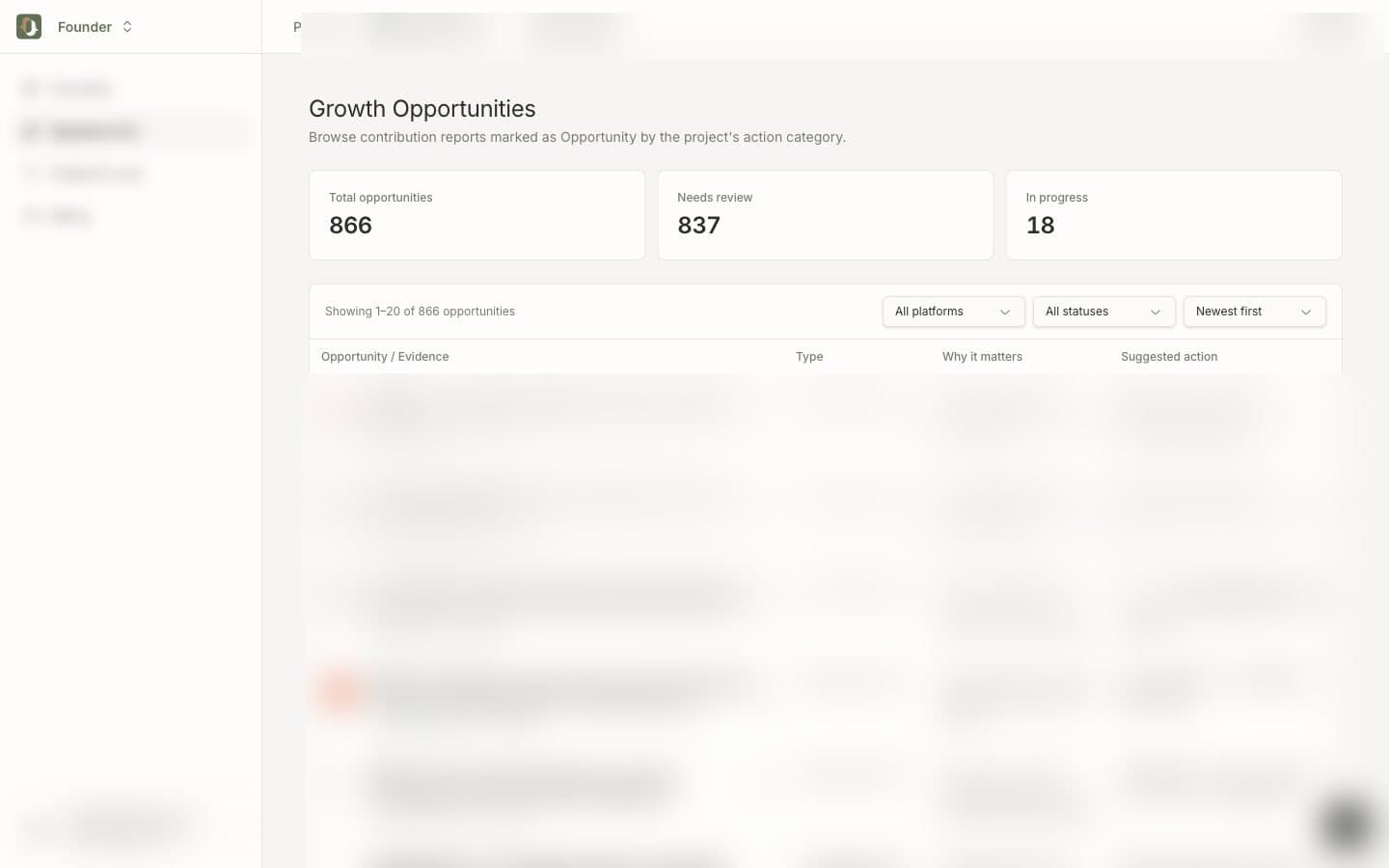
What each row contains
| Column | What to use it for |
|---|---|
| Evidence | The post, thread, or account, plus a link to the original |
| Type | Kind of match (potential user, content, channel, …) |
| Why it matters | Why this one beat the rest of the noise |
| Suggested action | A next step. You still decide whether to send it |
Click Expand for the full text, copy buttons, and the original URL.
Filters
Use platform, status, and sort when the list is long. A normal day is a handful of Pending items, not all 800.
Status is for your pipeline:
- Pending — not judged yet
- Reviewing — you are looking at it
- Contacted — you replied or reached out
- Adopted — you will keep working it
- Ignored — off-target
- Done — finished
Marking useful / not useful is optional. It helps you filter later, and it can sharpen later runs.
Daily rhythm
Open Opportunities
→ Filter to Pending
→ Open 3–5 items
→ Reply yourself on the original post
→ Update status
To change who the list is for, edit the brief in Project & rules.
To work the same list from Claude or Codex, see Manage opportunities via MCP.